Automate Your Trading
with any broker
Connect TradingView alerts to multiple brokers and execute trades in milliseconds
How it works
STEP 1
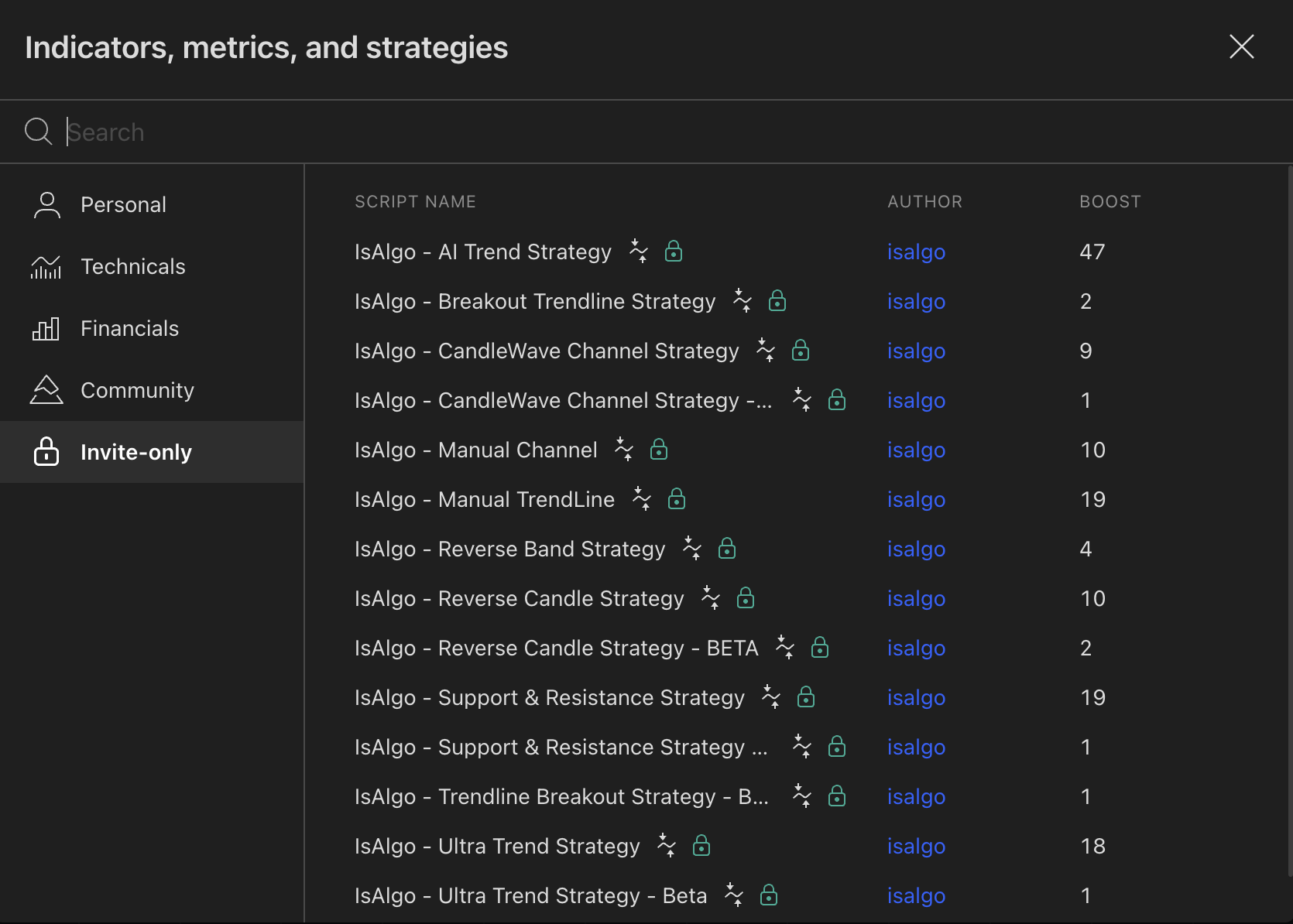
Choose a Strategy/Indicator to automate
Select the ideal strategy or indicator to automate after thorough testing.It can be from IsAlgo or any other source.
STEP 2
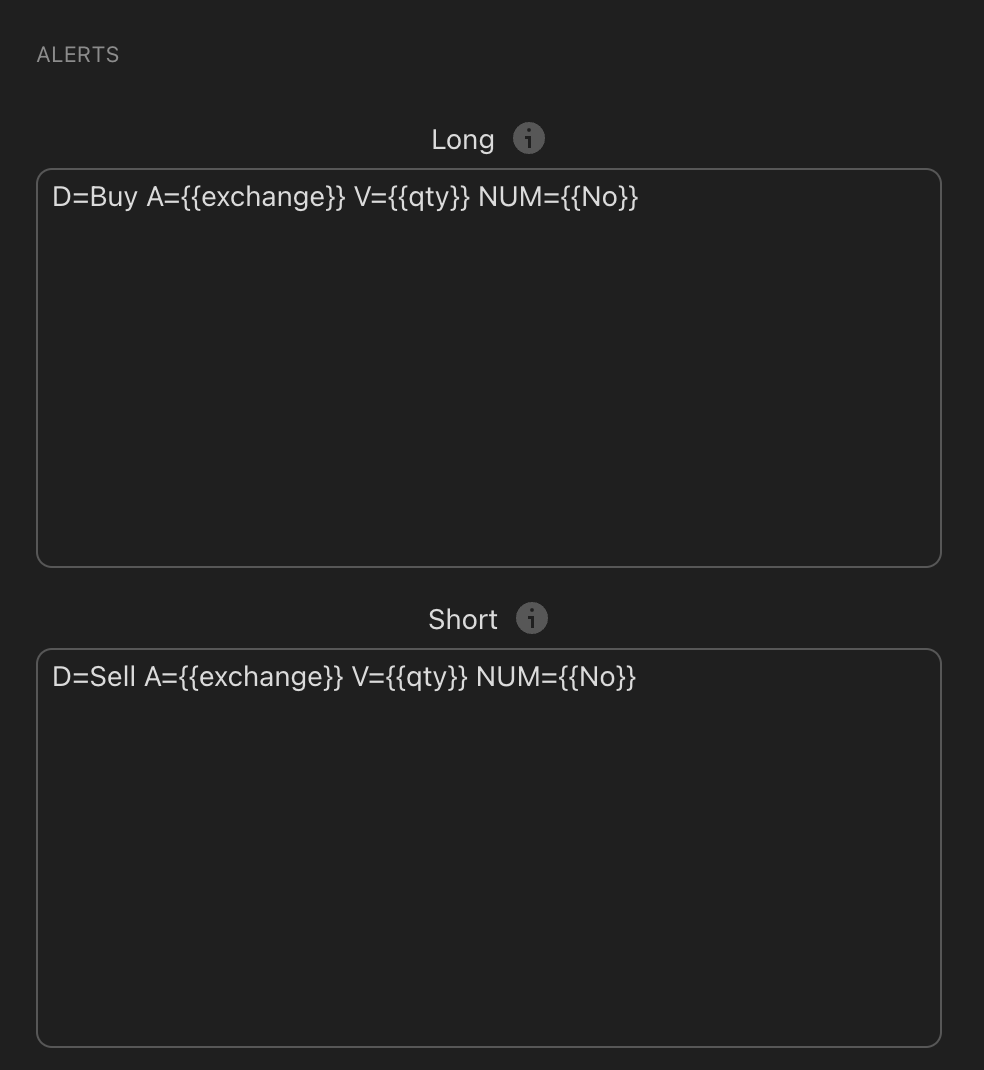
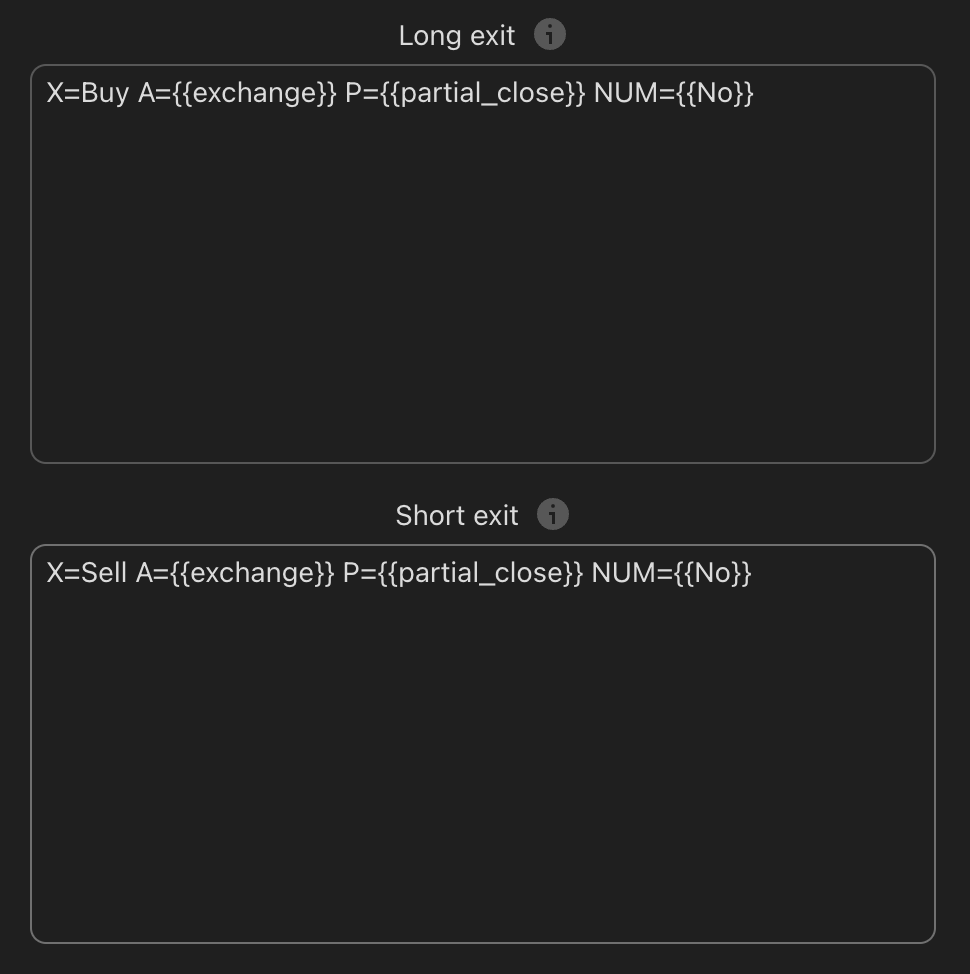
Set up the alert messages
Configure the alert messages so our software can interpret them correctly. Use the playground for guidance.
STEP 3
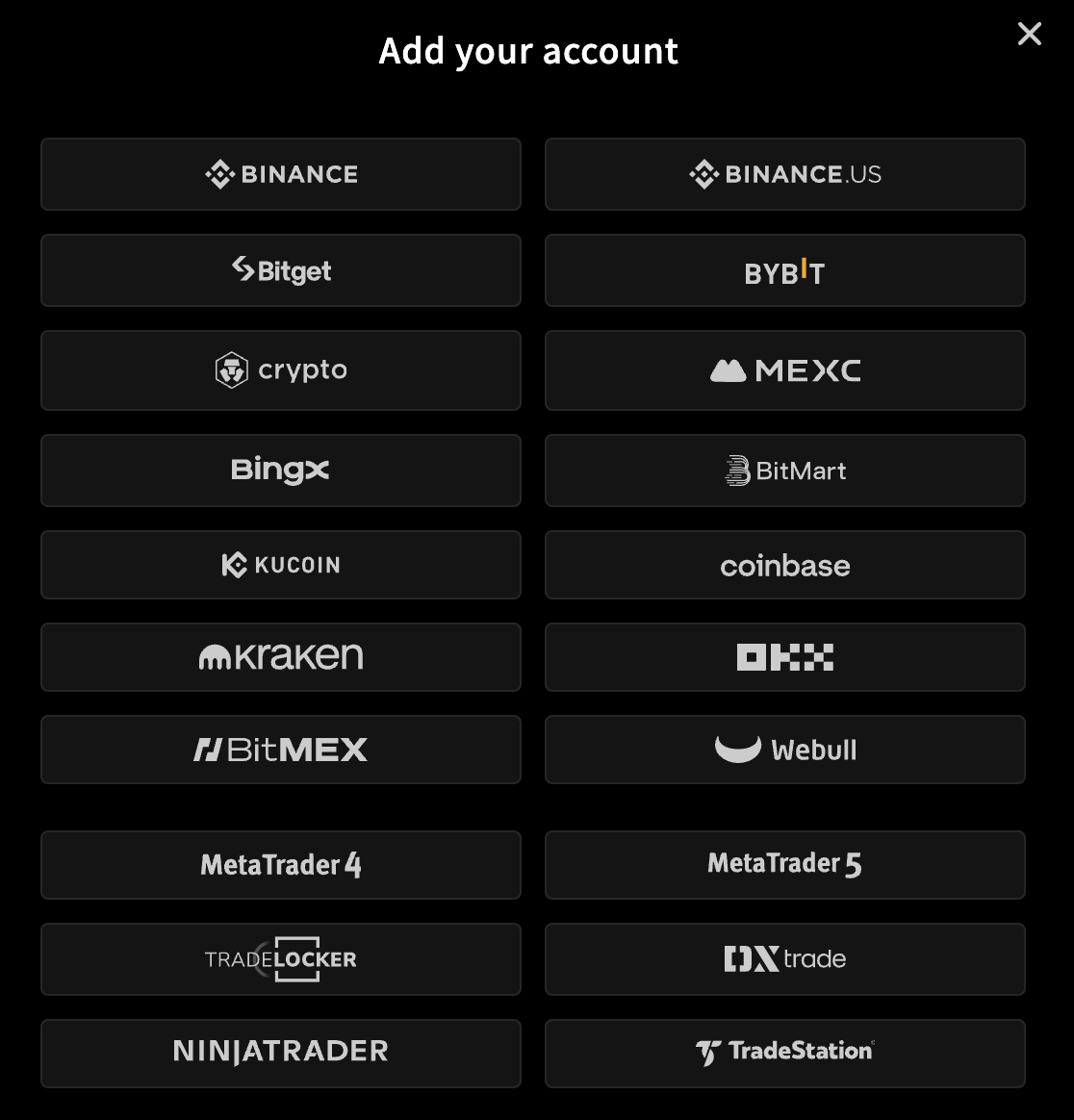
Link your broker
Connect your preferred broker by following the simple steps to obtain the webhook URL.
STEP 4
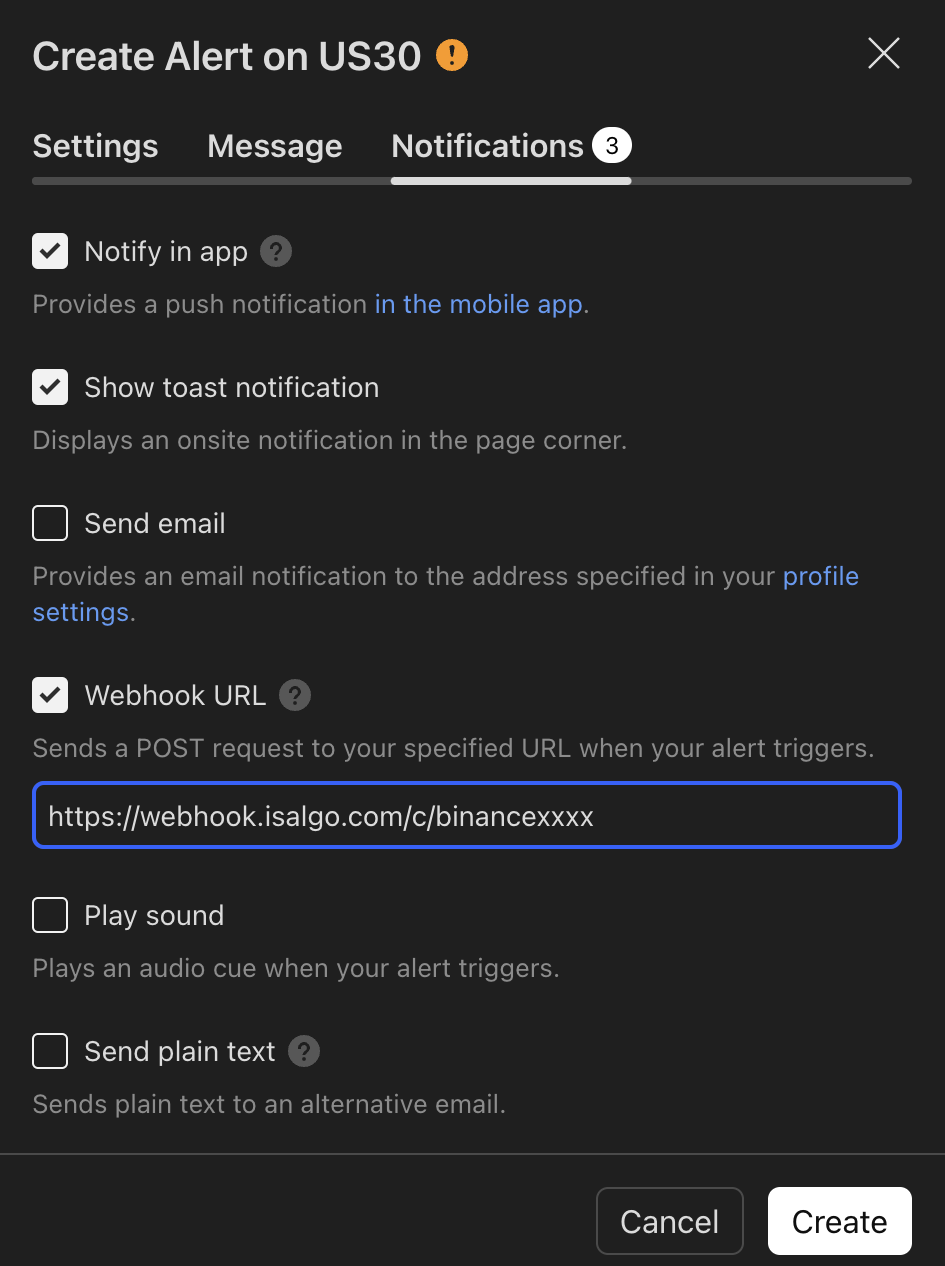
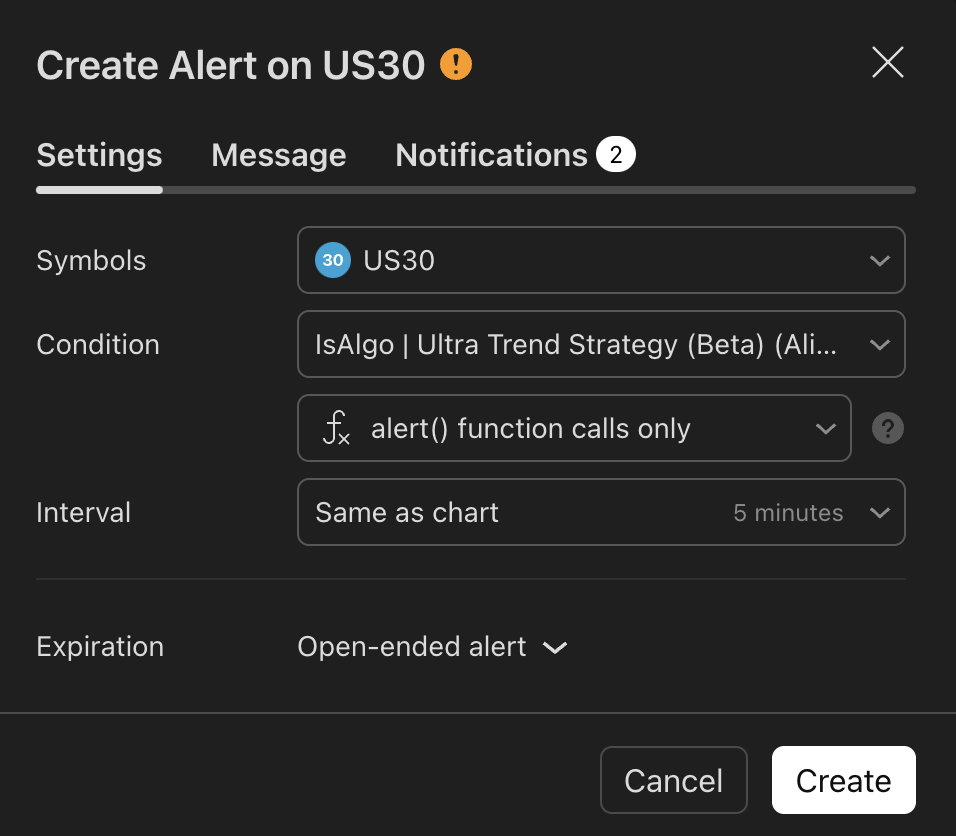
Create TradingView alert
Set up a TradingView alert and enable the alert webhook to establish the connection.
All set!
Everything is set
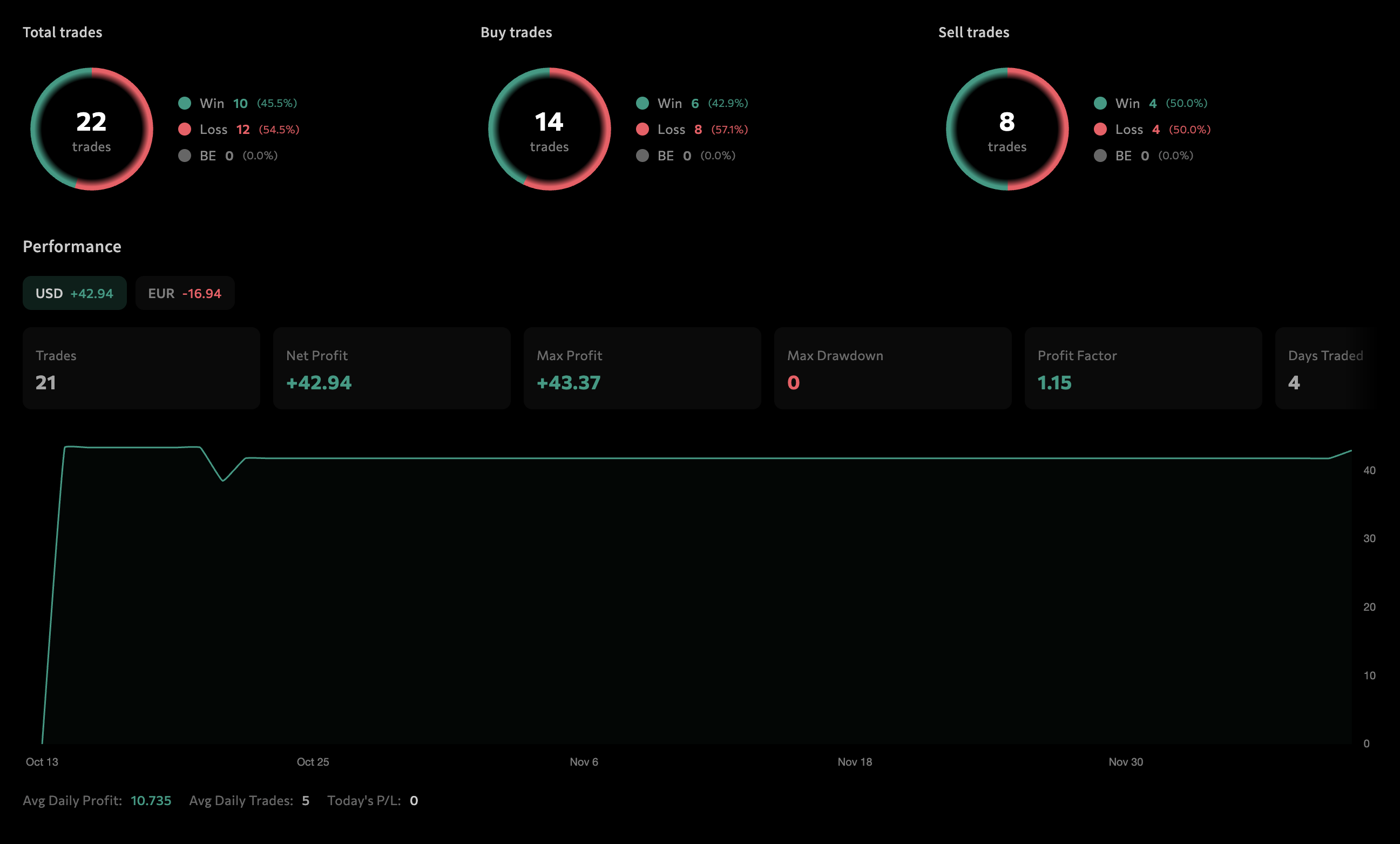
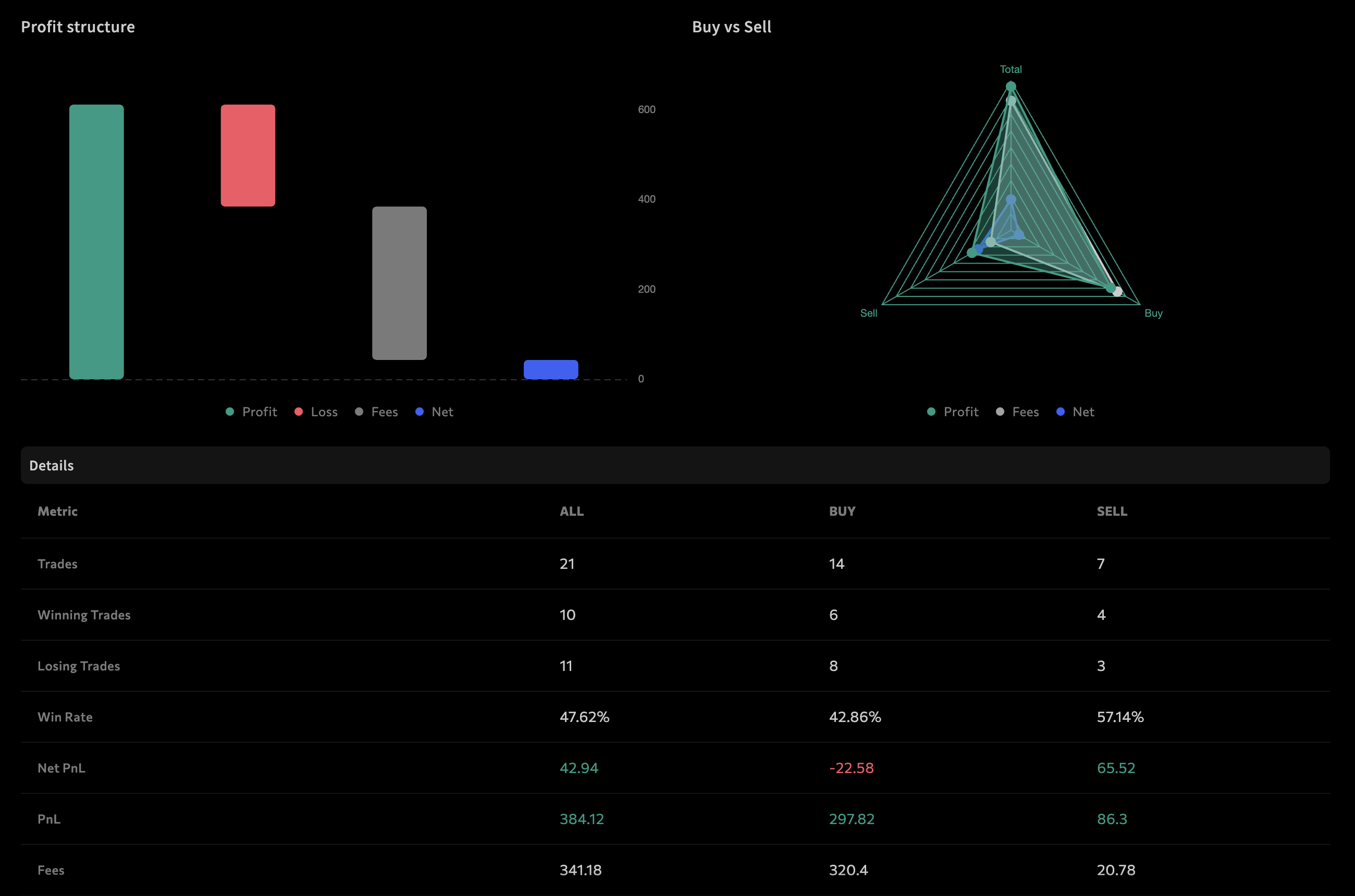
Sit back and watch your trades execute automatically while monitoring performance in your dashboard.
Ready to Automate?
Leave manual trading behind and let the automation handle your trades.
Start here